
How to Change your Pitchlane Password
Updated
In order to change your password follow these steps:
1.) Log out of your Pitchlane Account
2.) Select “Log In”

3.) Select “Forgot Password”
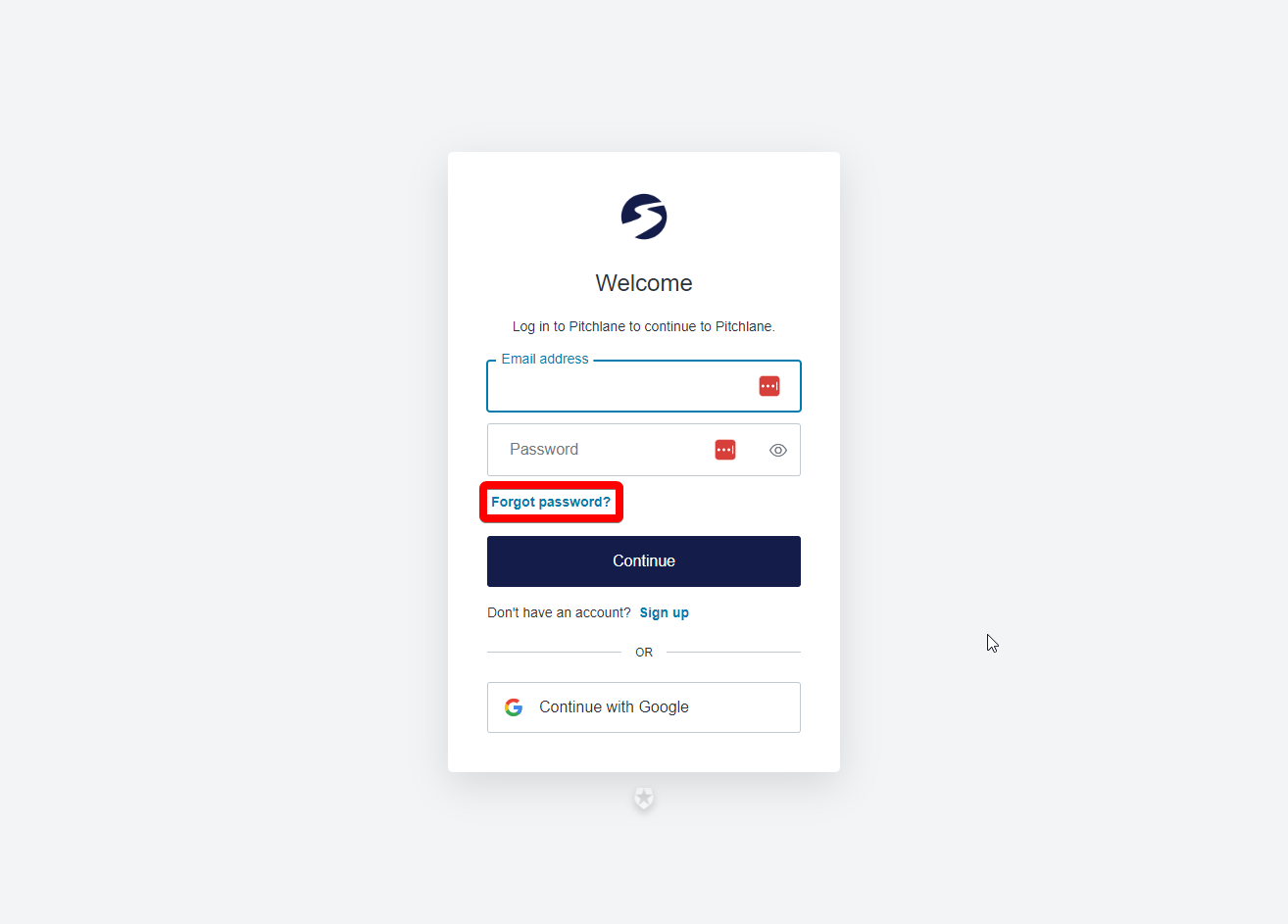
4.) Input your email address and select continue
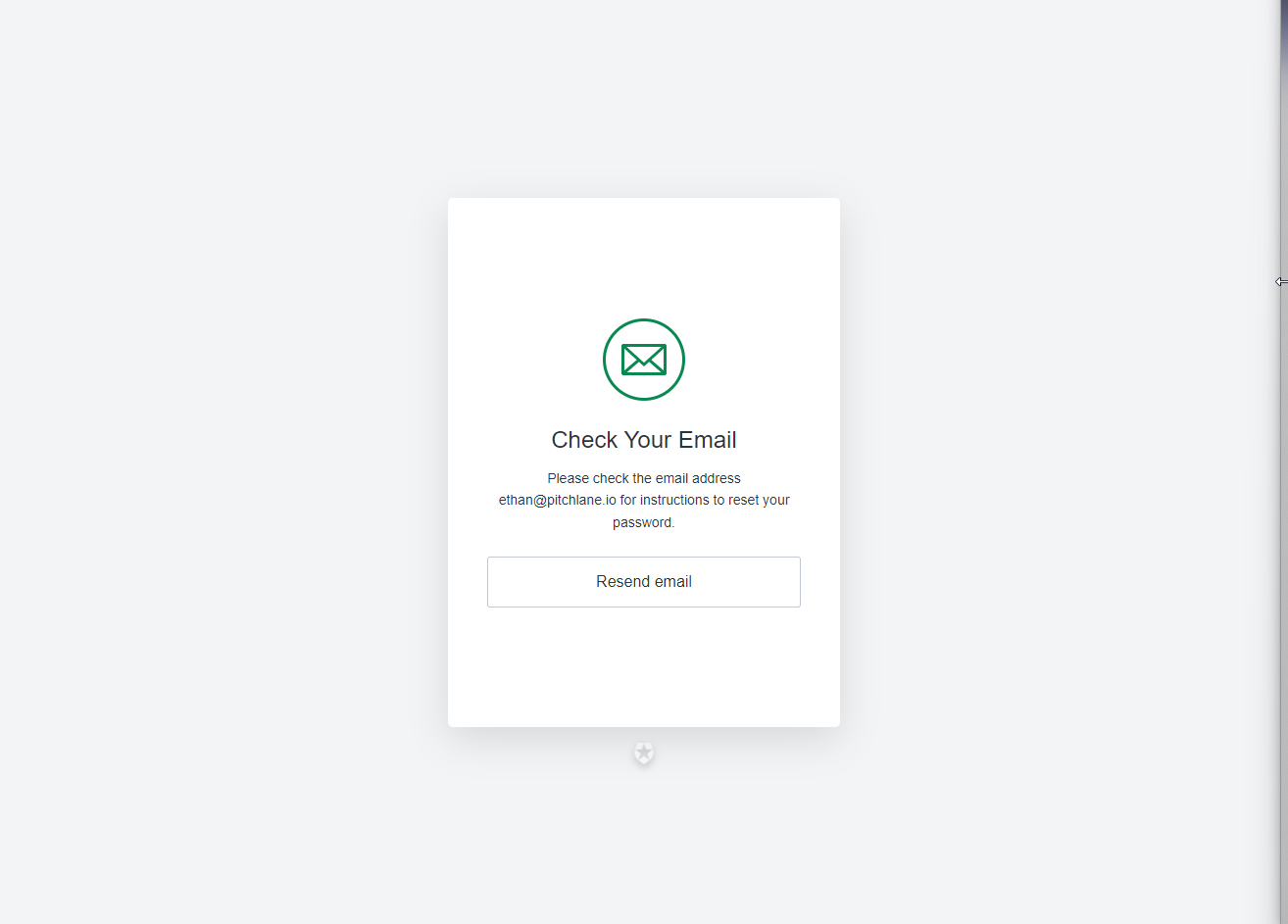
5.) Click on the link sent by 0Auth and reset your password!