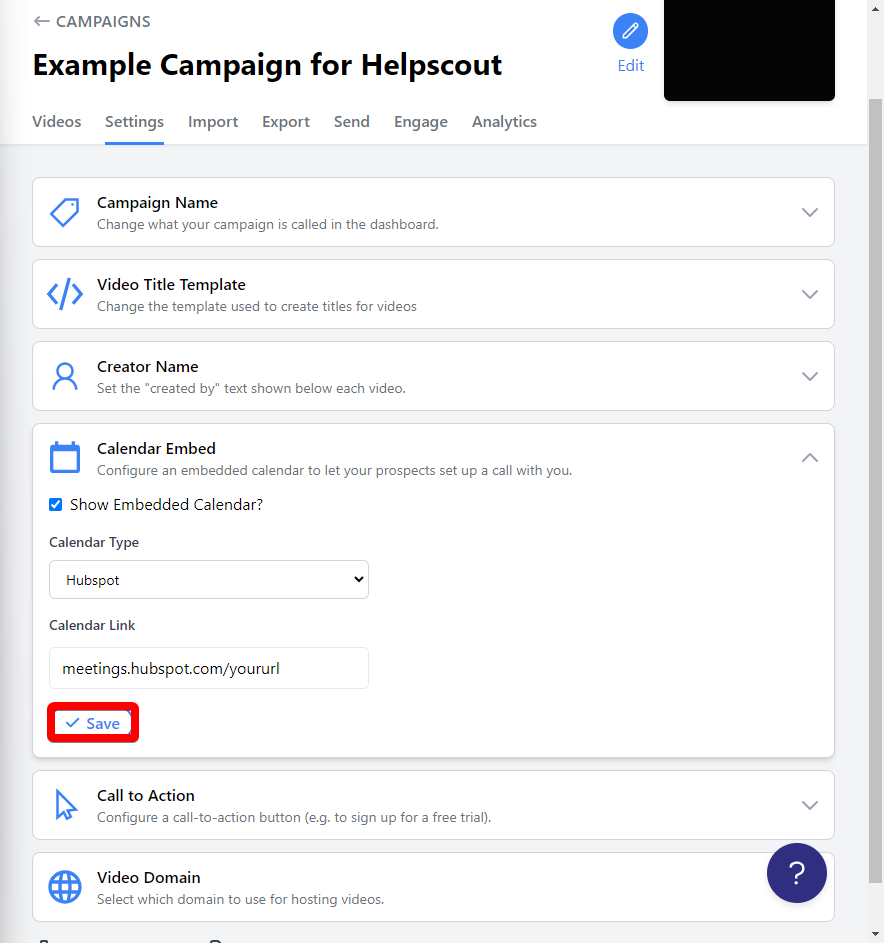
How to use Hubspot Calendar in Pitchlane
Updated
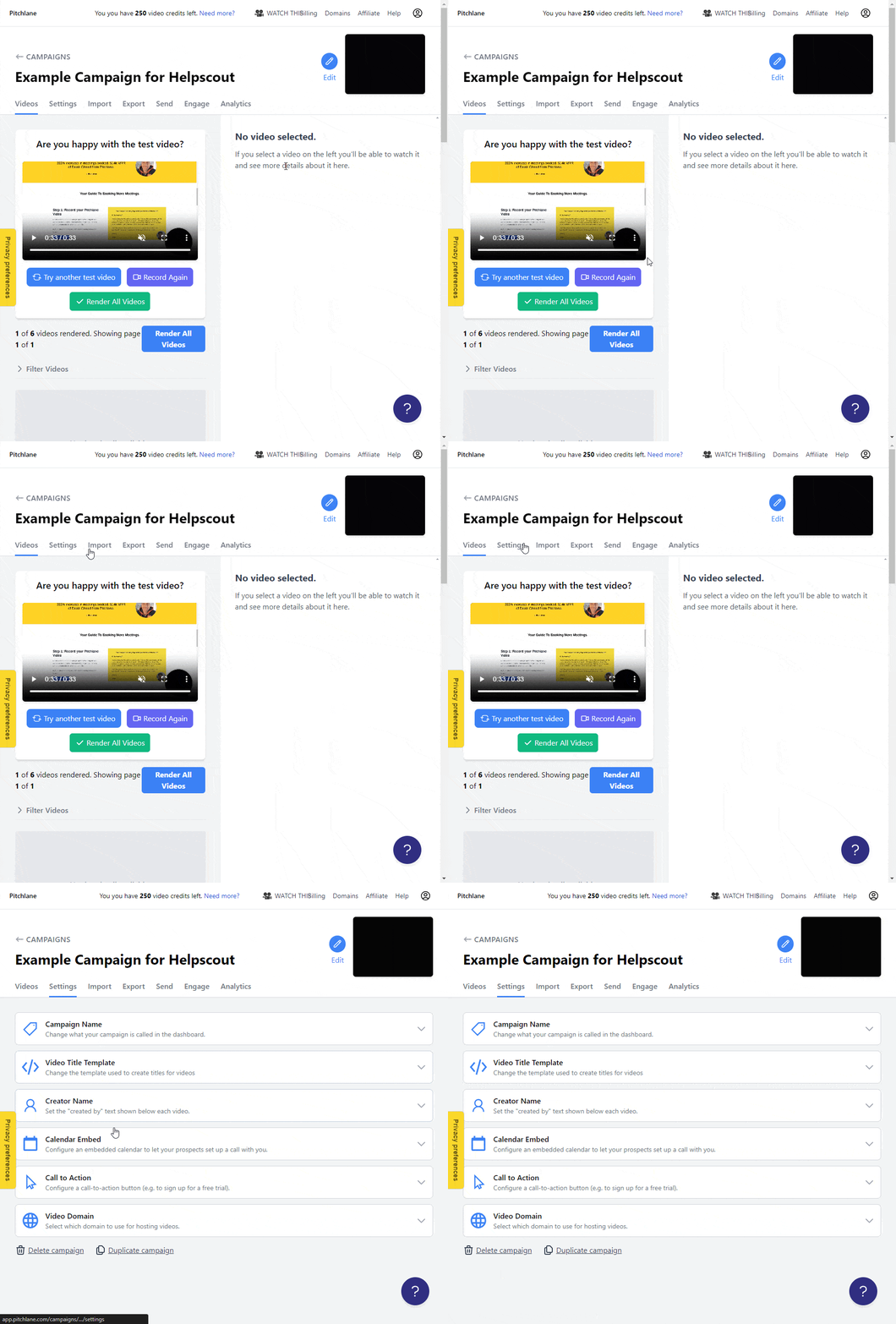
1.) Navigate to your campaign
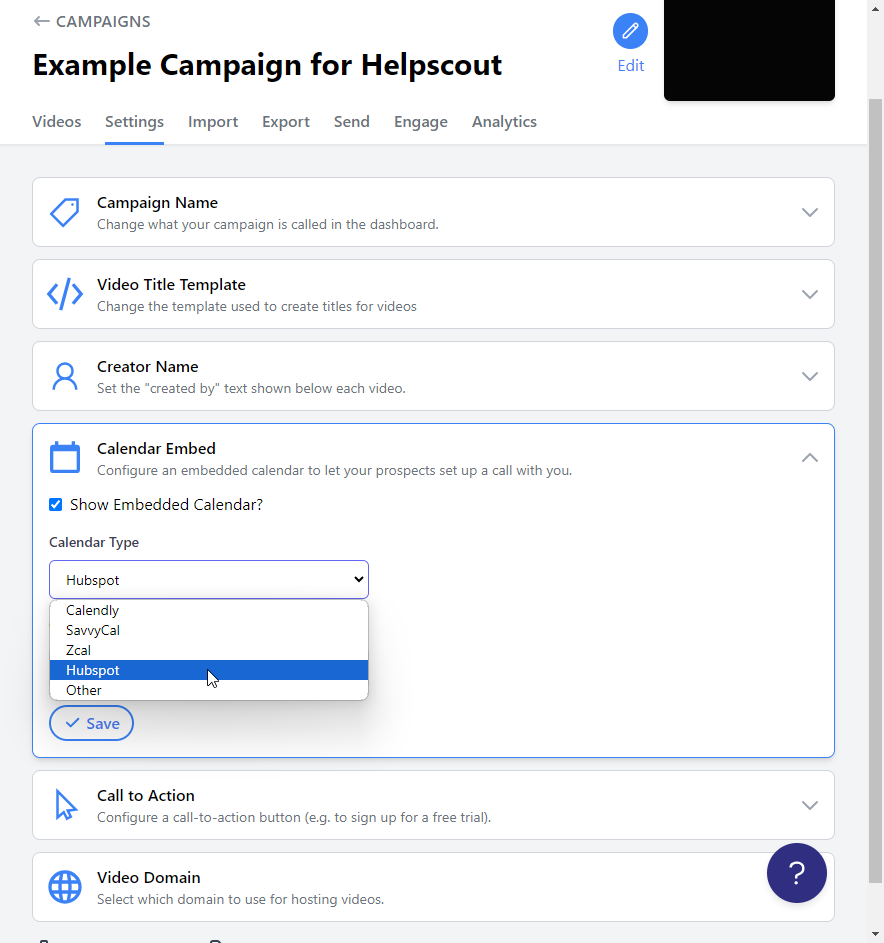
2.) Select, “Settings”
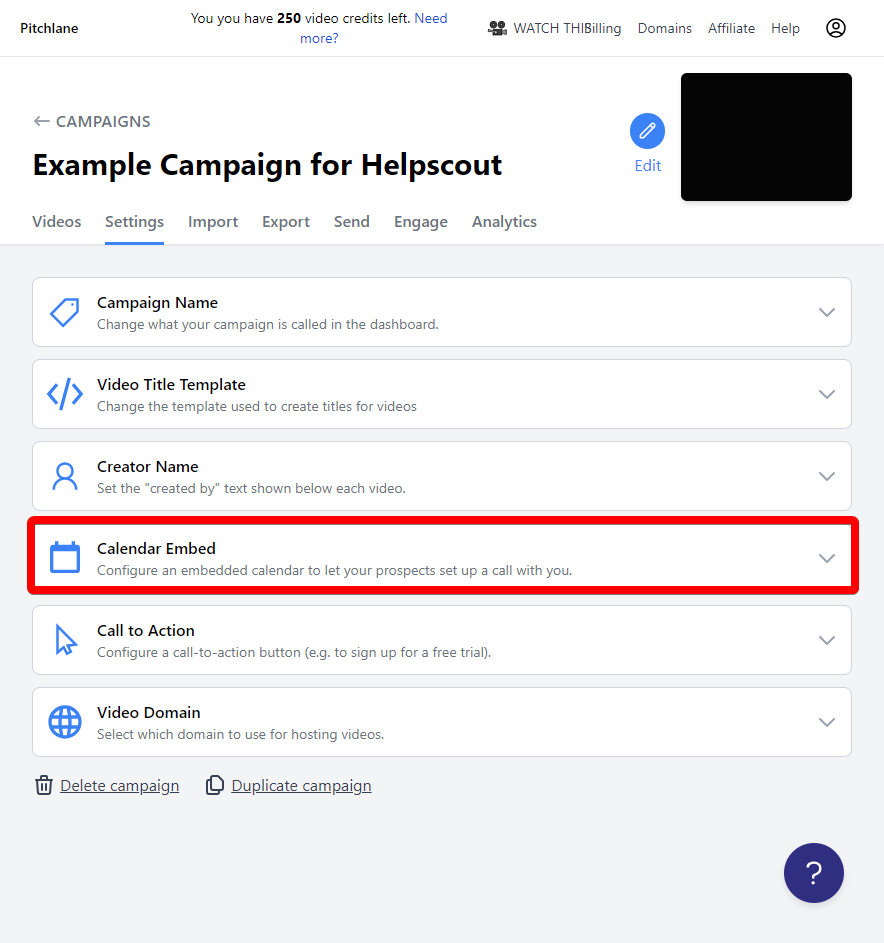
3.) Select, “Calendar Embed”
4.) Check the box titled, “Show Embedded Calendar”
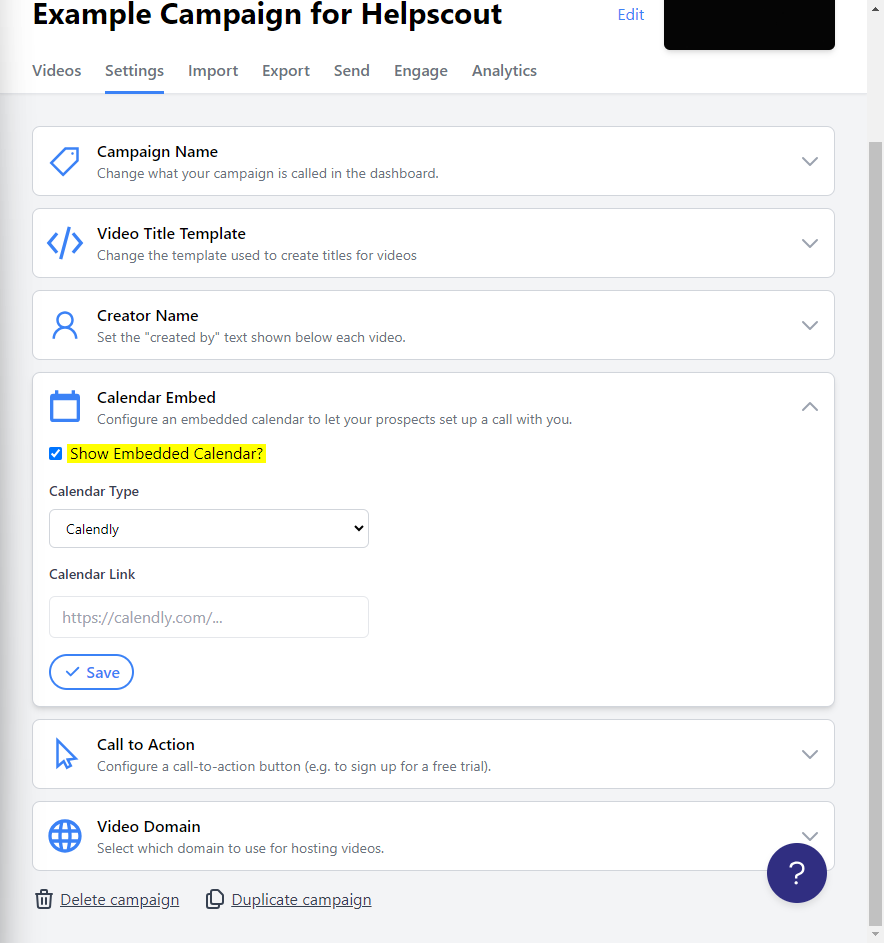
5.) Select Hubspot from the list of Calendar Types
6.) Go to Hubspot and copy your meeting URL
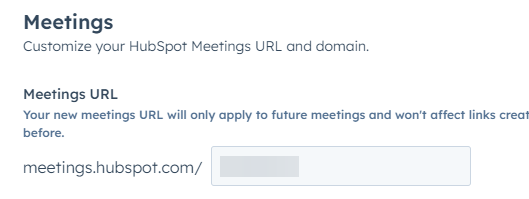
7.) Paste it into Pitchlane and select “Save”