How to Set Up Webhooks In Pitchlane
Updated
1.) Navigate to your Pitchlane Campaign
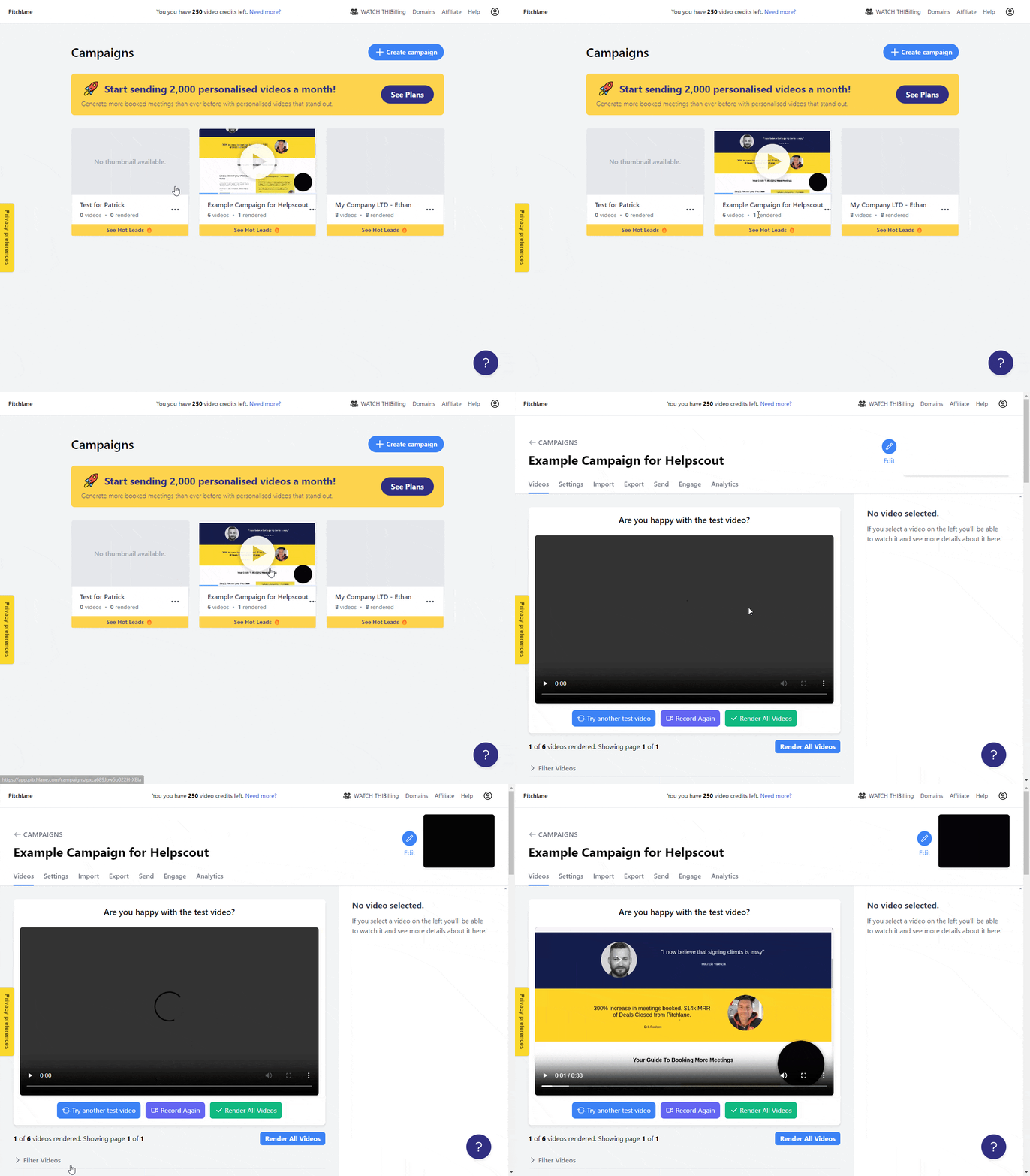
2.) Select the “Send” tab.
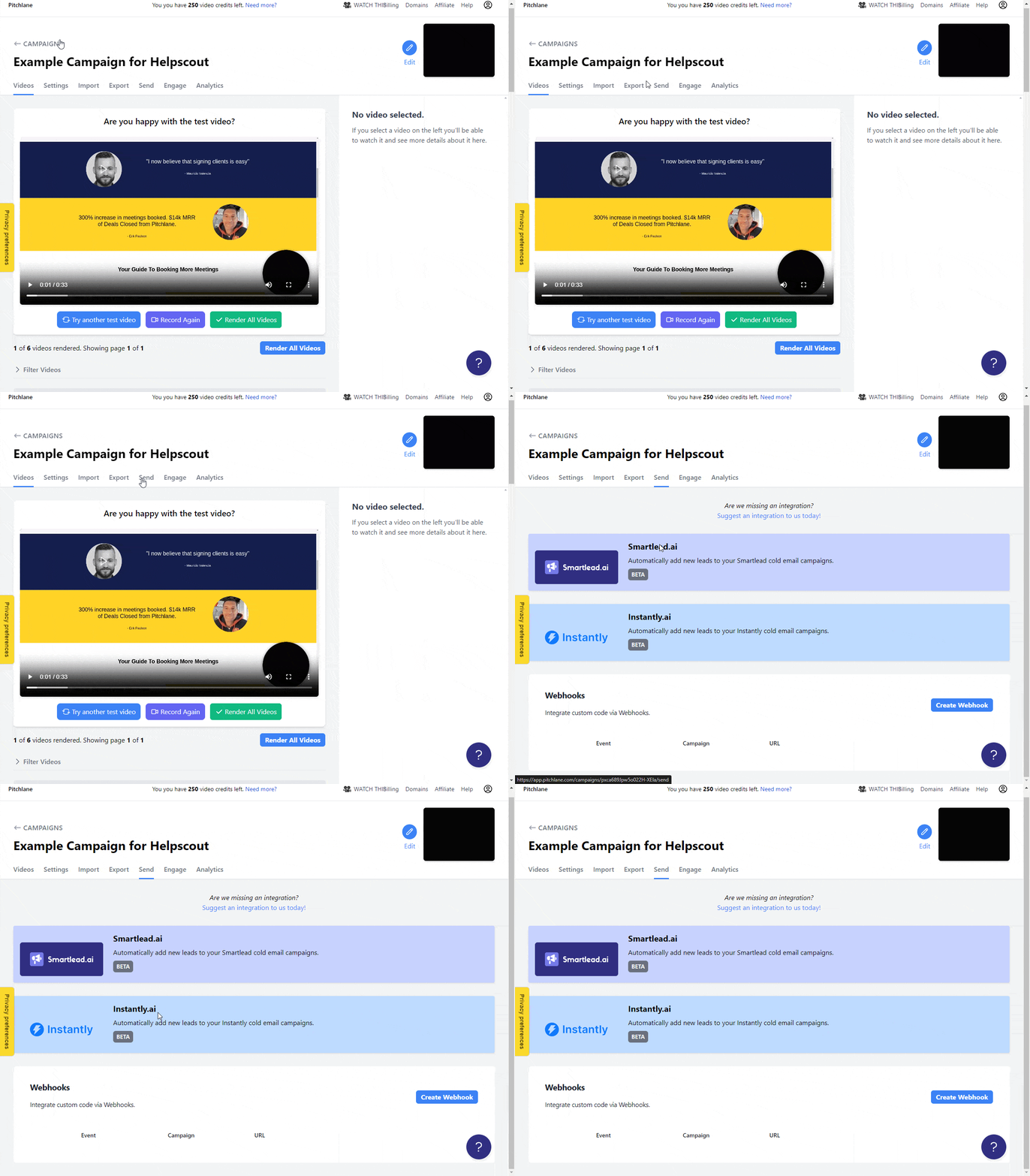
3.) Select “Create Webhook”
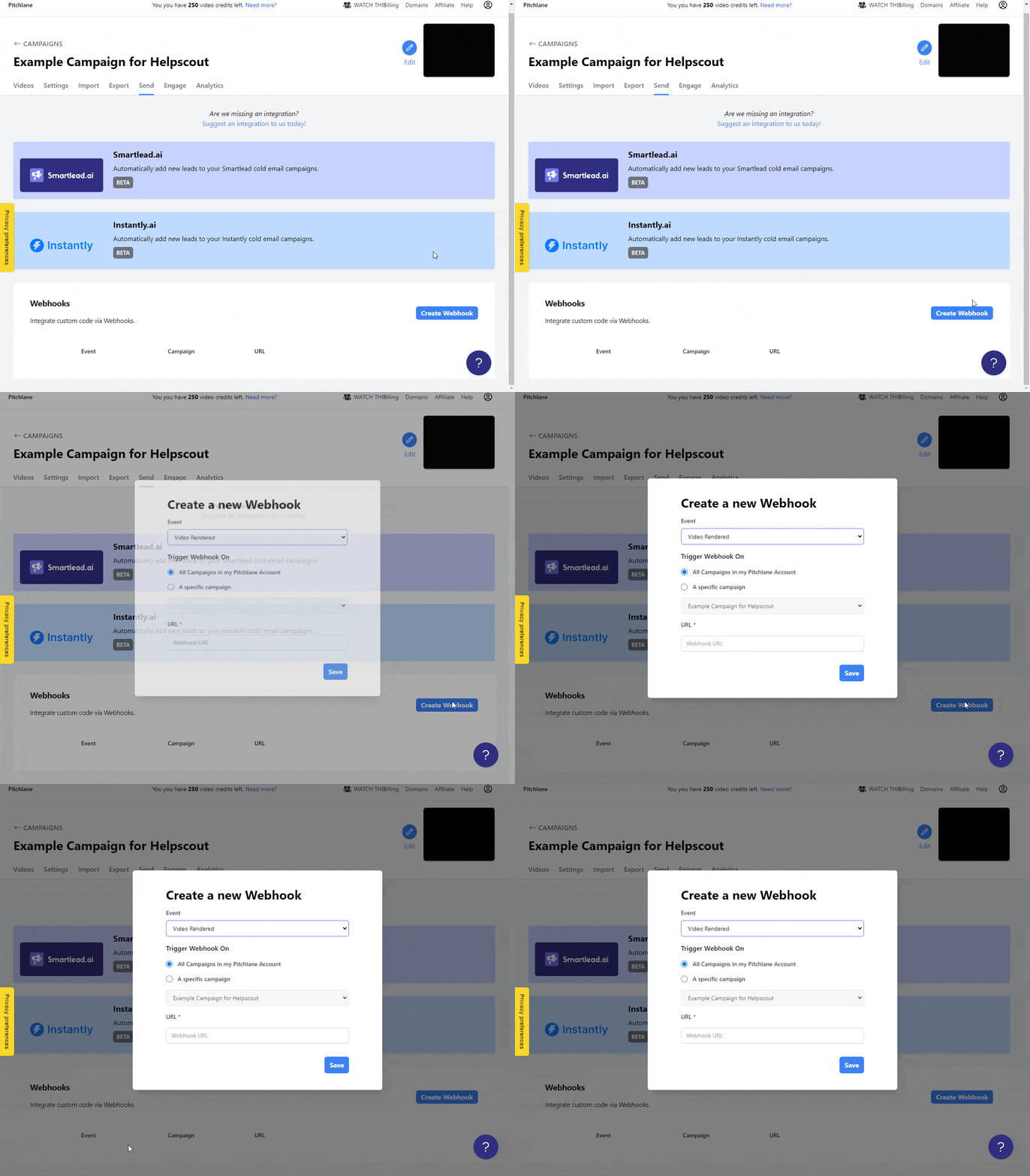
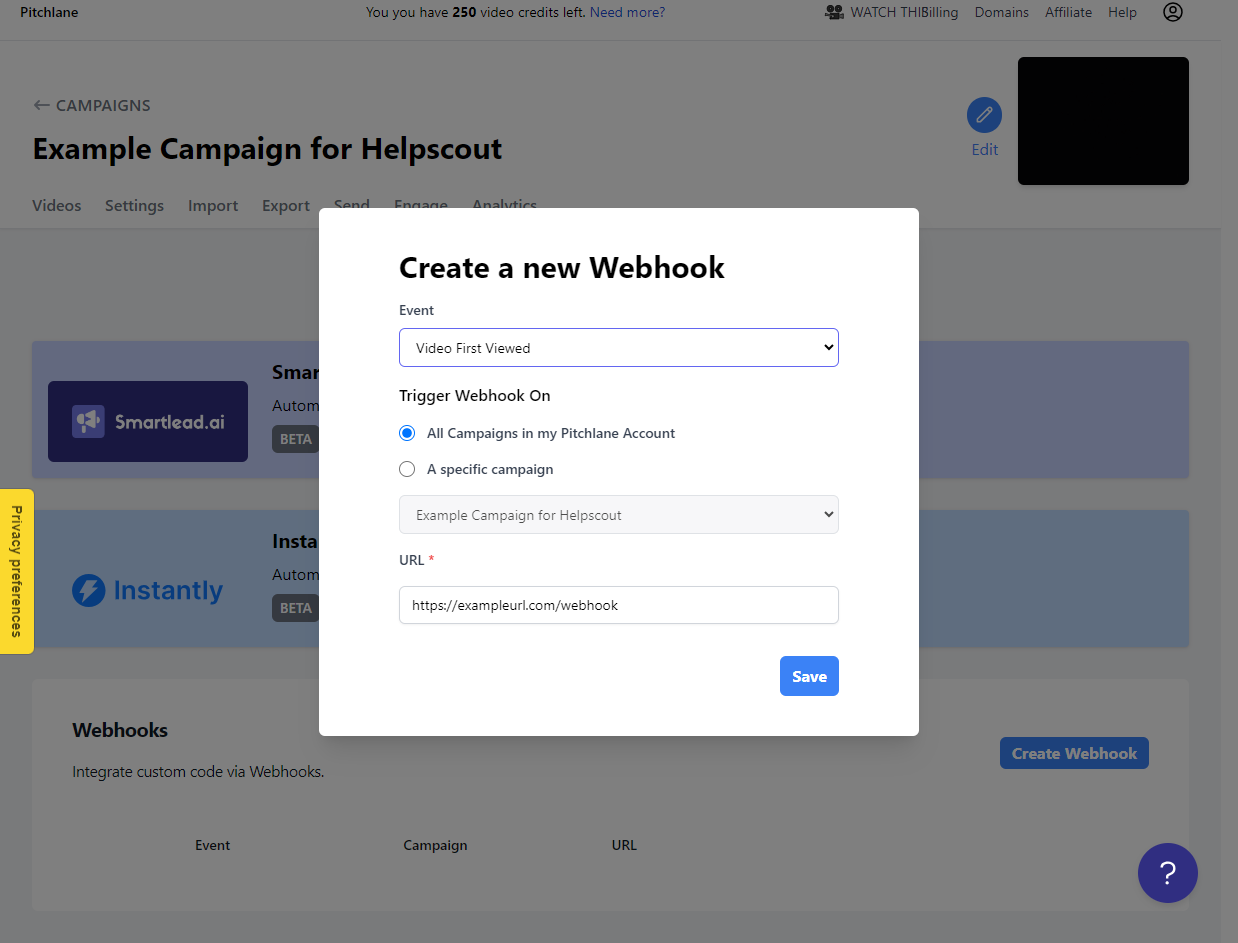
4.) Configure the Webhook with your data
 Pitchlane
No results found.
Type to search.
Updated
1.) Navigate to your Pitchlane Campaign
2.) Select the “Send” tab.
3.) Select “Create Webhook”
4.) Configure the Webhook with your data