
How To Remove Pop Ups From Pitchlane Videos
Updated
We do everything we can to remove pop ups from Pitchlane videos but sometimes, some sneak through.
Here I walk you through a guide on how you can remove the pop ups yourself.
It’s a little tricky so I go through step by step slowly 🙂
There’s a video tutorial for the more technical bit 👇
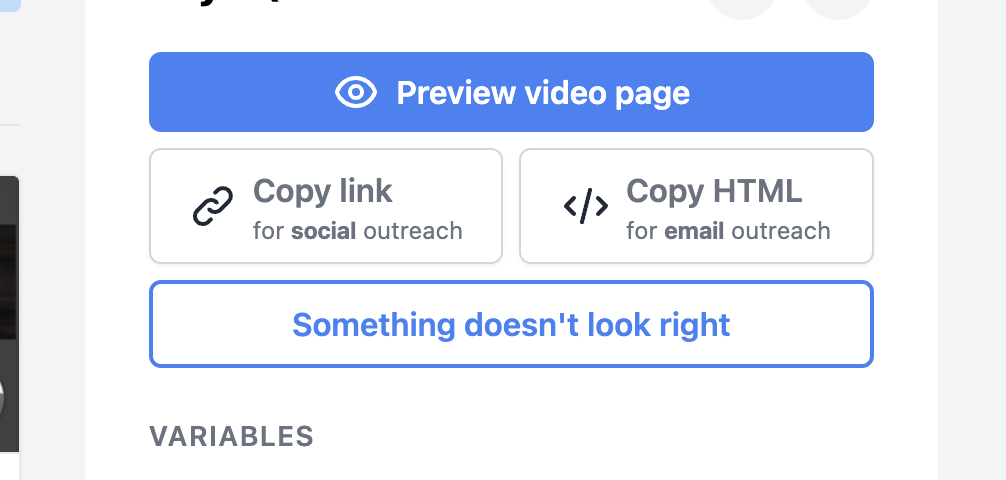
Step 1 - Something Doesn’t Look Right
Click on the video and click the button “something doesn’t look right”
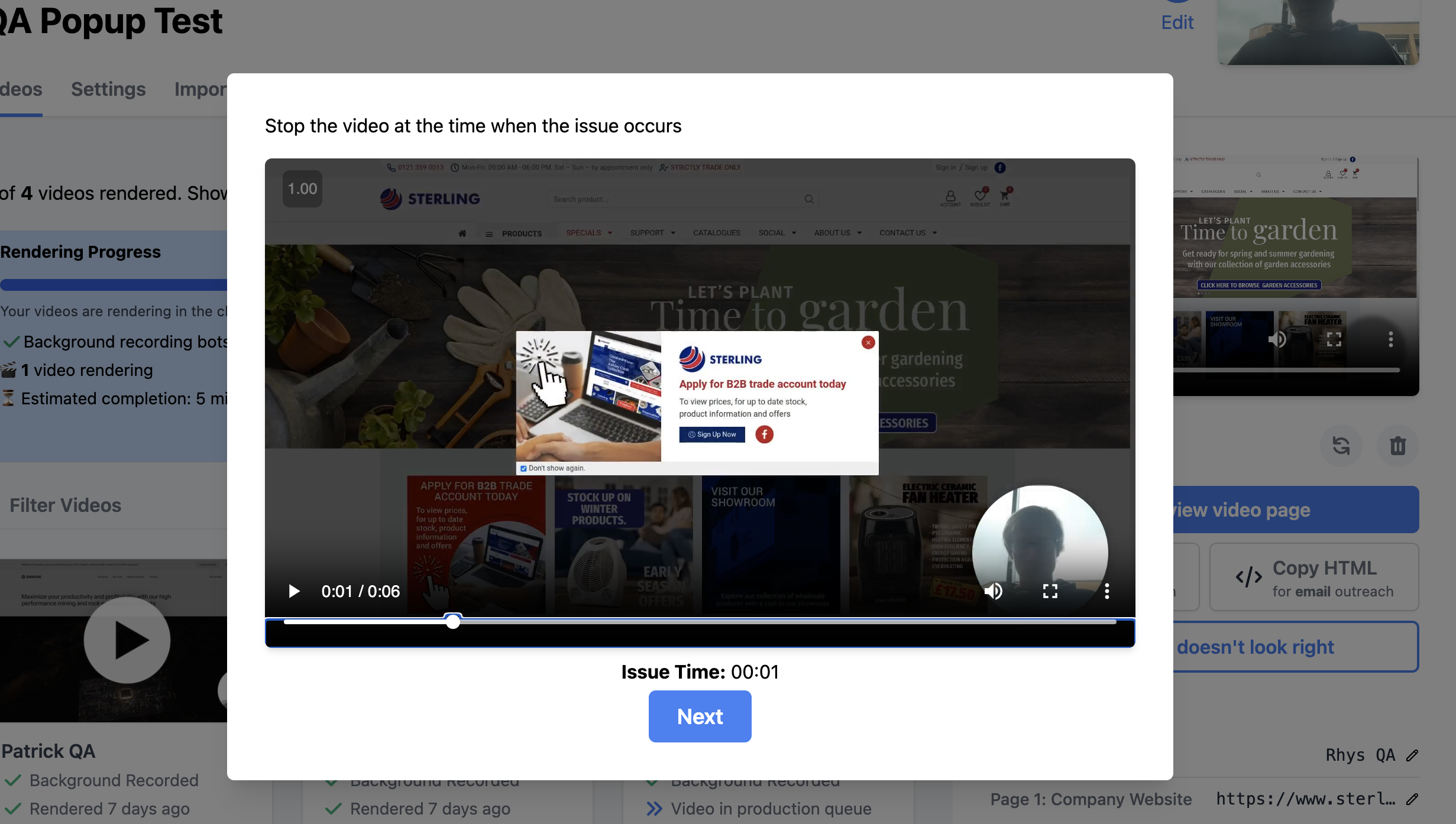
Step 2 - Play The Video Until You See The Pop Up
Once it pops up, pause and press “next”.
Step 3 - Click This Button And Scroll Down To See The Instructions
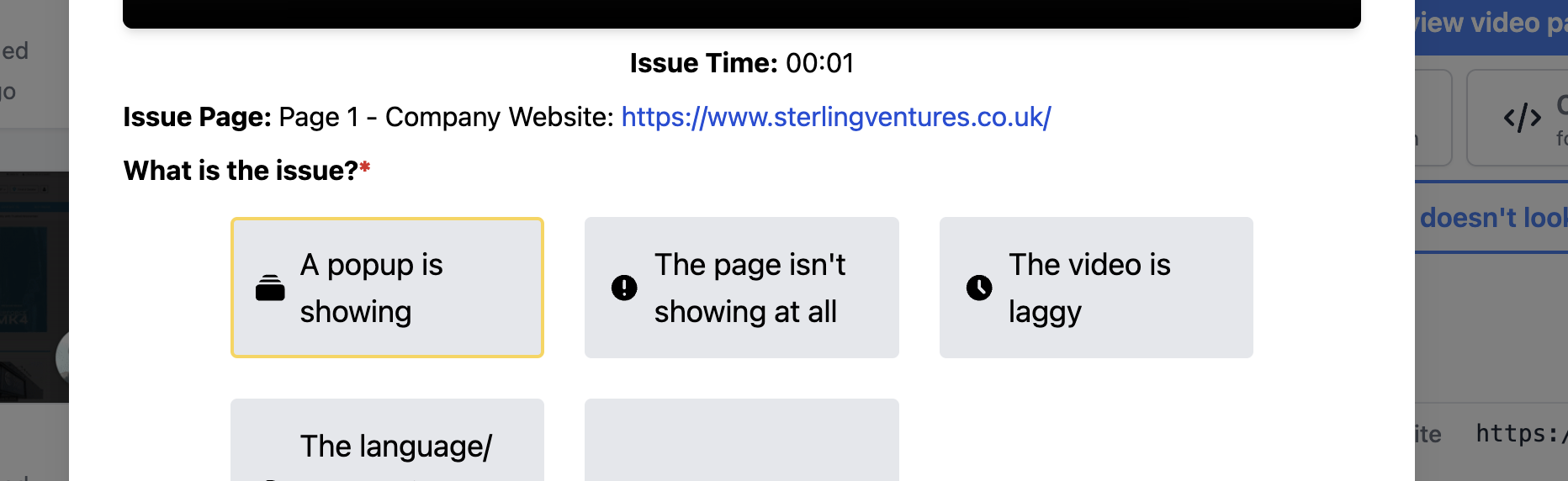
Step 4 - Identify The XPath And Tell Pitchlane
If you are into tech, you’ll be able to simply follow the instructions in Pitchlane.
But otherwise, I recommend you watch the video below to see me doing it.
It’s a lot easier to show than to tell.