
How to use Pitchlane with URLBox
Want to use websites like Amazon, Google Searches & Facebook Ad Libraries? Look no further!
Updated
Why Use URLbox?
While we endeavor to support as many websites as possible, sometimes we are unable to scrape certain pages. This is where using a service like URLBox helps to bridge the gap. URLbox utilizes an advanced bot avoidance system to scrape webpages and turn them into links which can then be put into Pitchlane. This allows users to still automate their outreach, even in cases where Pitchlane cannot natively offer those websites as an option.
How to set up URLBox
Step 1: Creating an Account
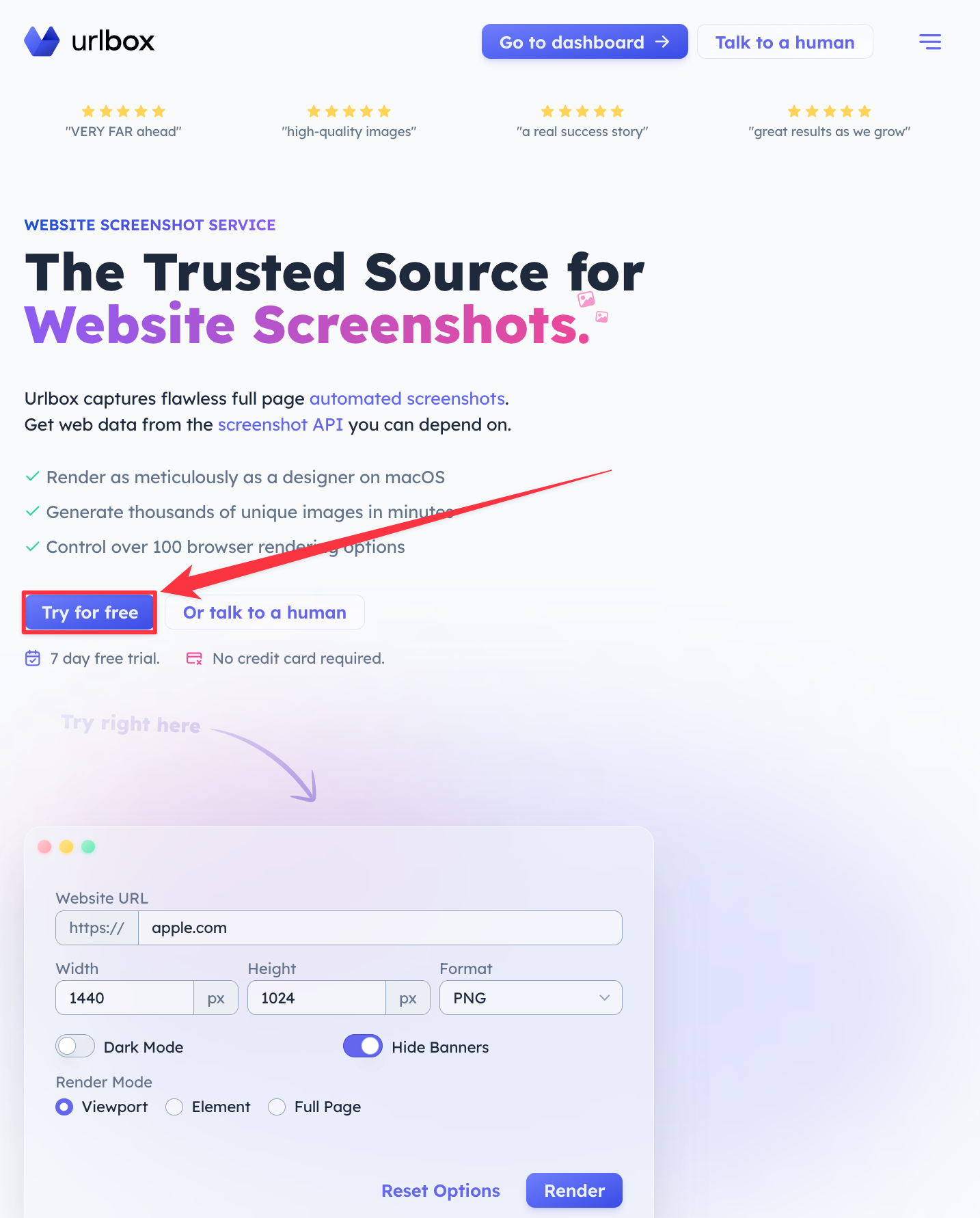
First navigate over to URLbox. You can do so by clicking on this link: URLBox
Then hit the Try for Free button.
Step 2: Configure the Scraper
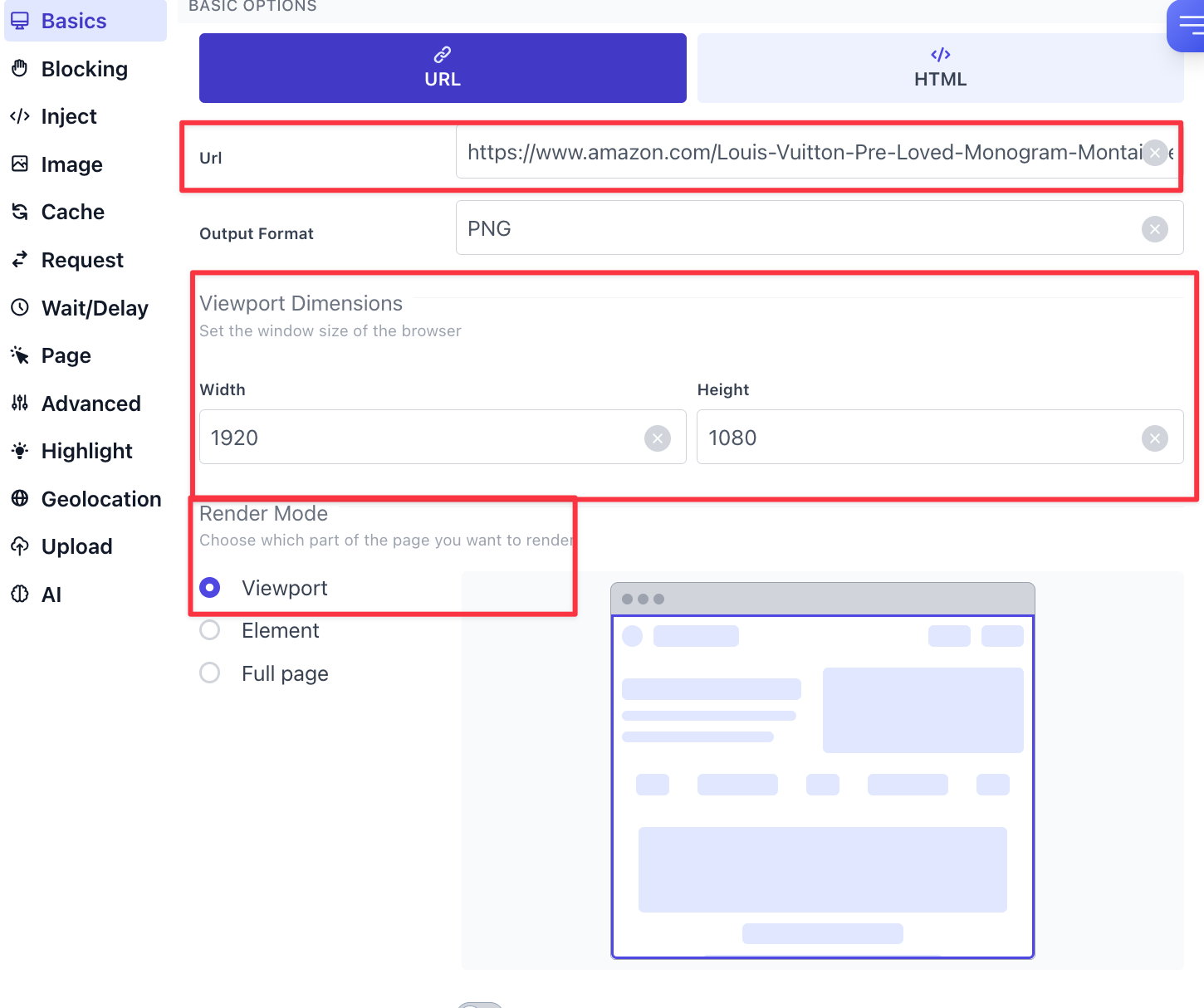
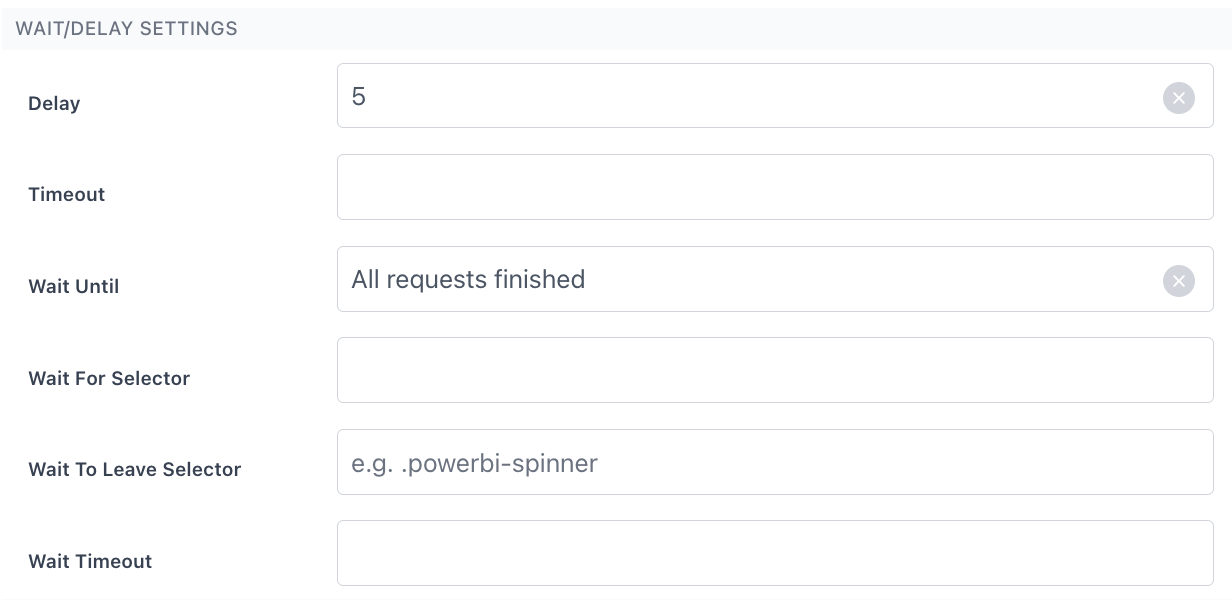
From the dashboard input your URL. Ensure Window Width is set to “1920” and Window Height is set to “1080”. Ensure the Delay is set to 5, and the wait until is set to “All Requests Finished”.
*Step 3: Select “Render” *
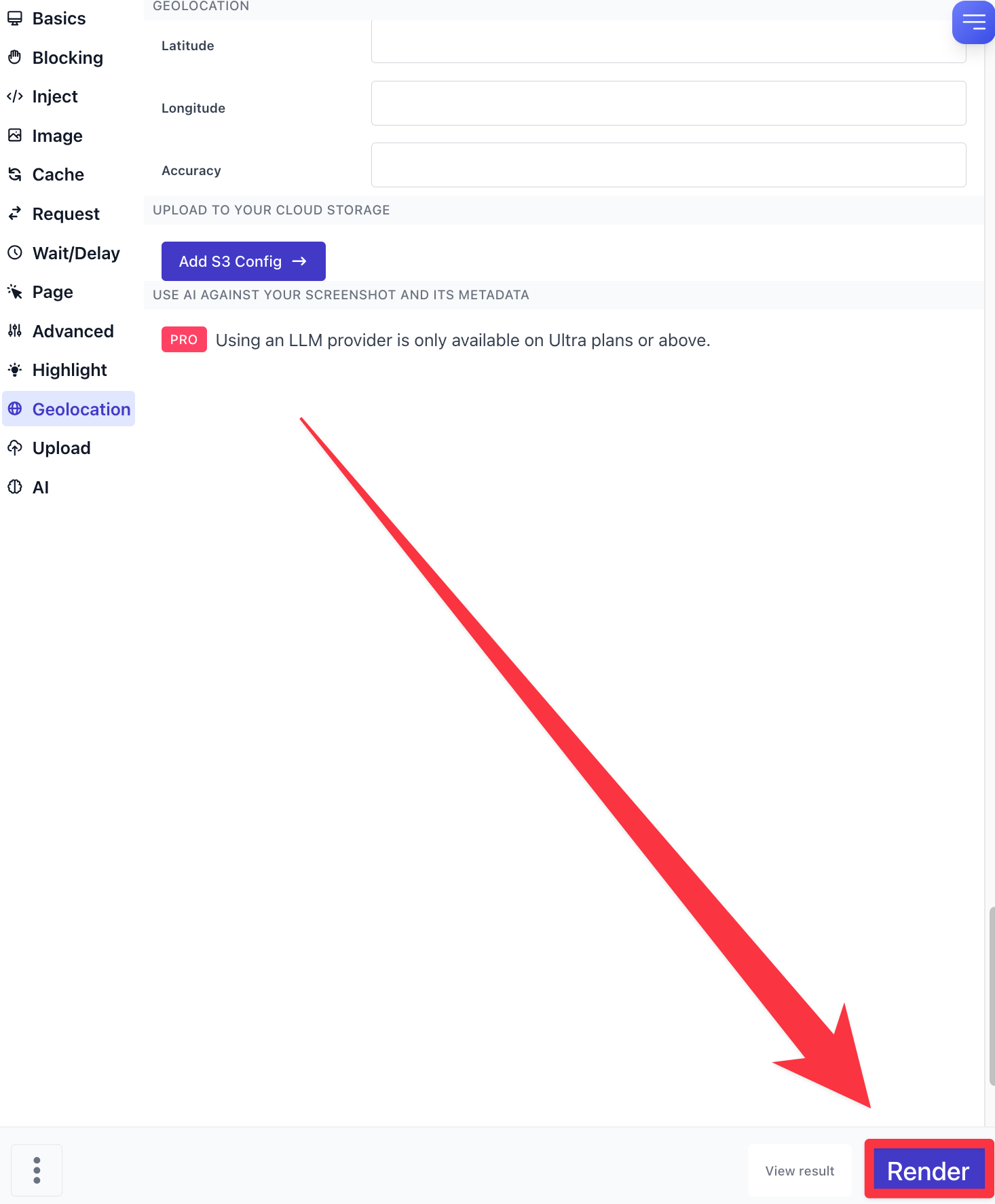
Note: You can use the cURL for an API to automate this process
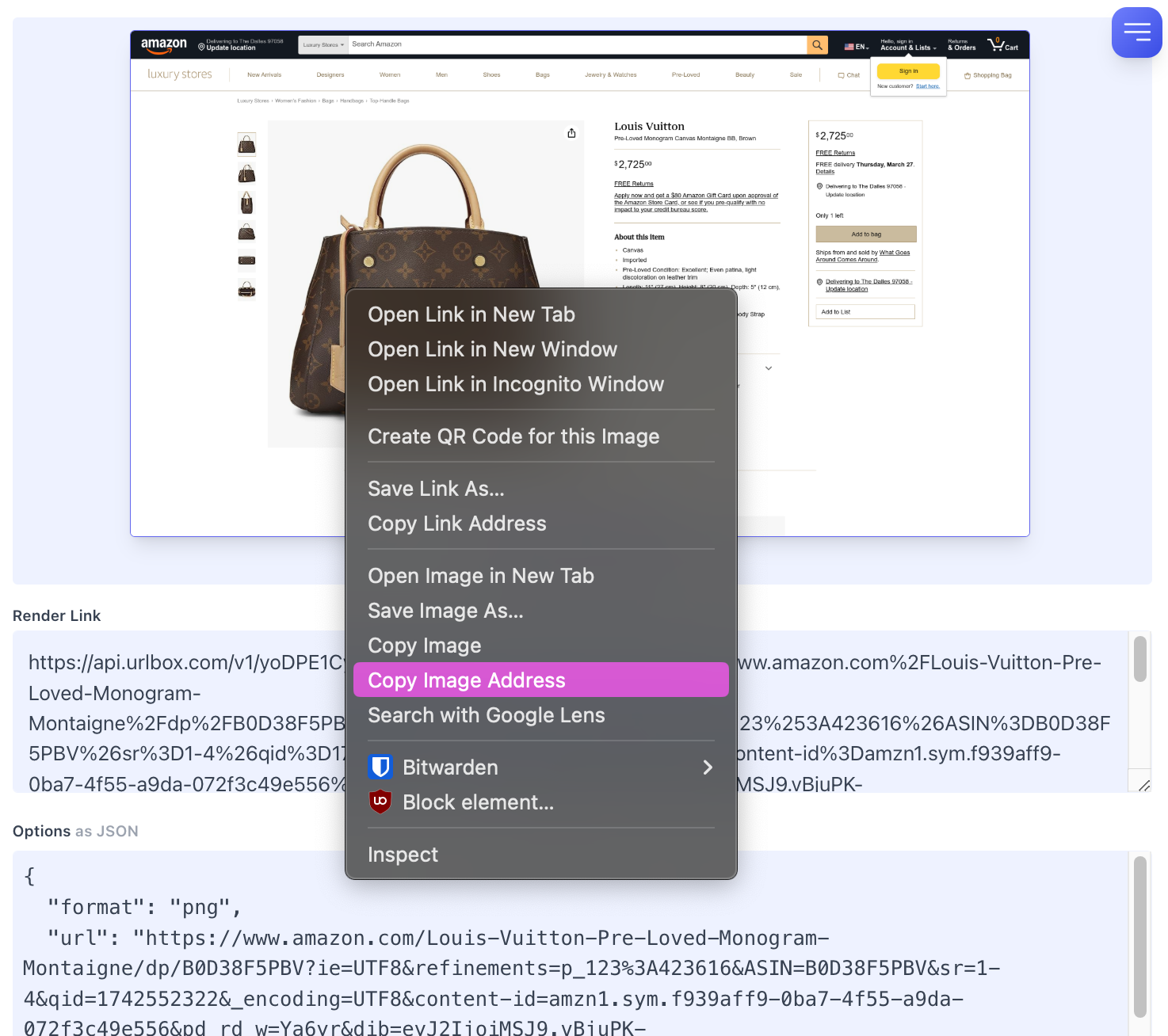
Step 4: Copy Image Address
Step 5: Open your Pitchlane Campaign
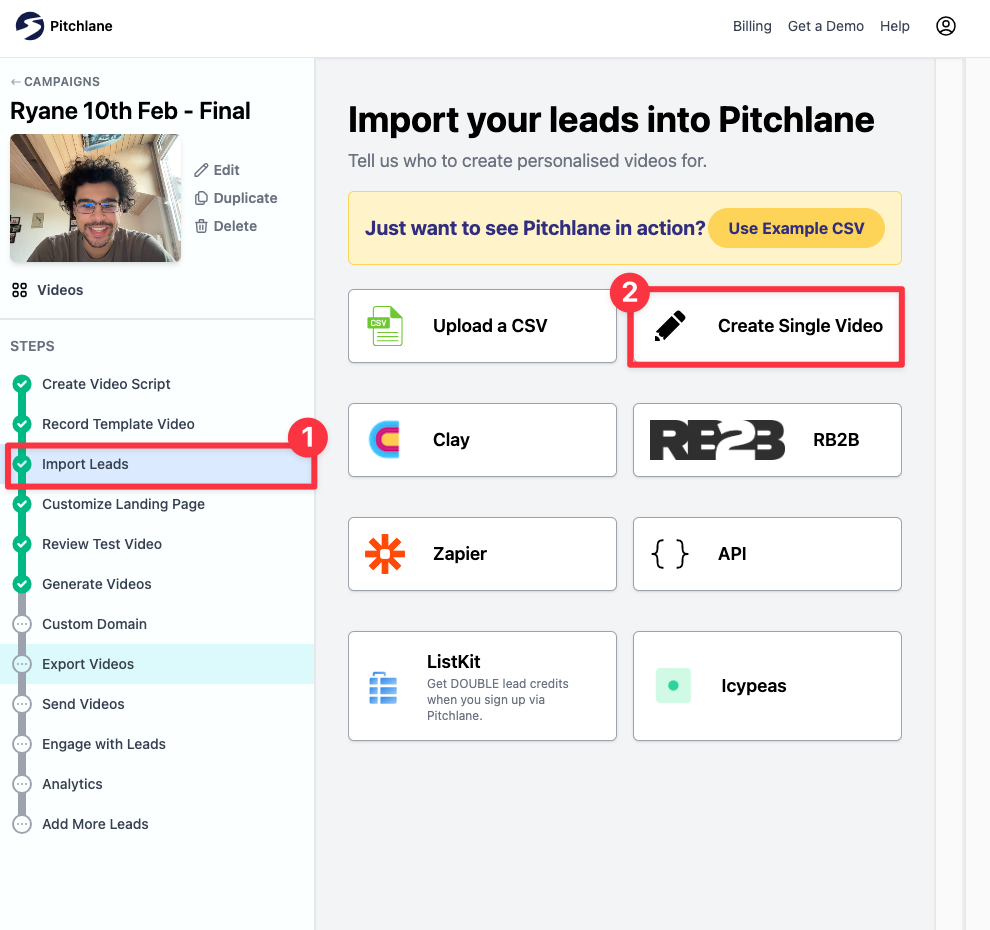
Head on over to the Import Leads Page & Create a Single Video
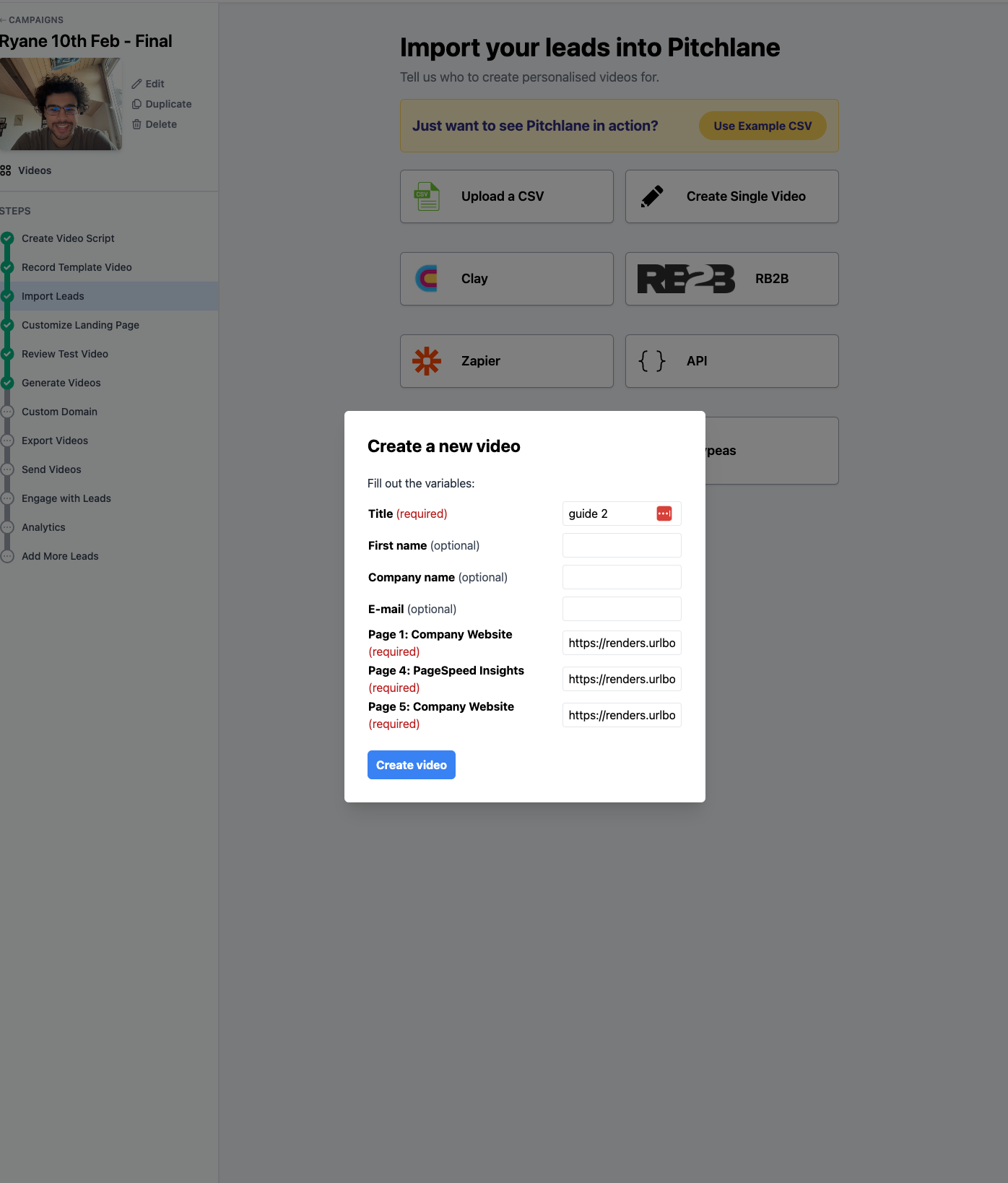
Step 8: Input the link and render the videos
*Note: This process is likely to be much faster and time effective if you automate it using their API which can be found here: *https://urlbox.com/docs/api