
How to engage with a Video Viewer on Close
Updated
1.) Open our Zapier Template: https://zapier.com/app/editor/template/1676850
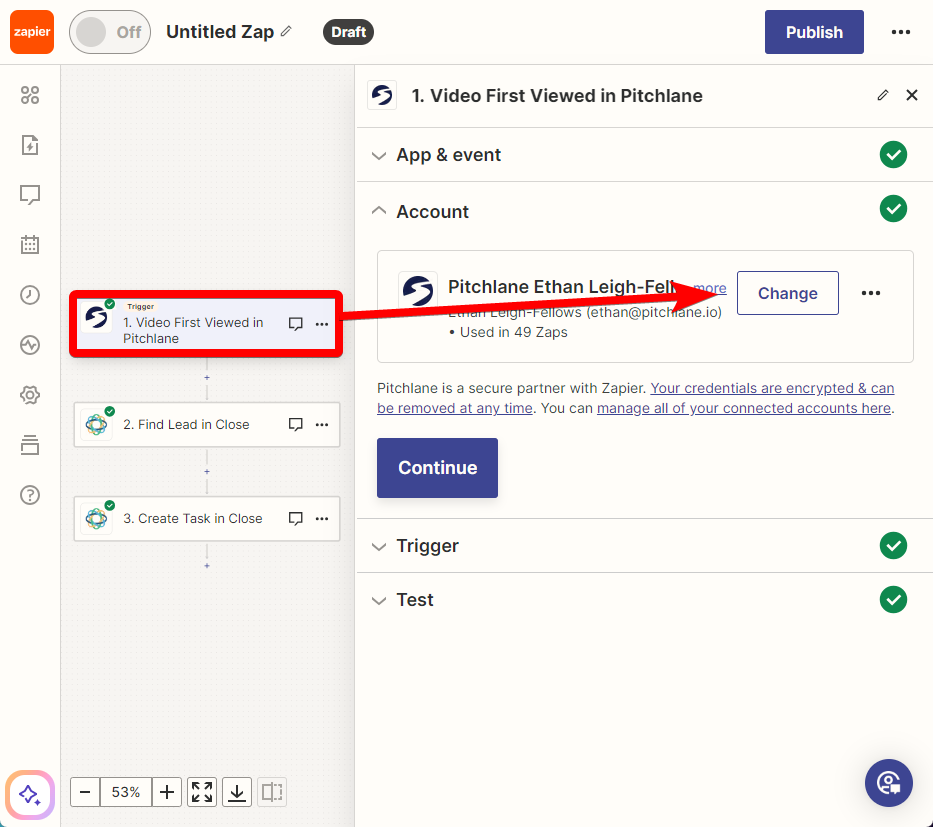
2.) Select the Pitchlane Trigger titled, “Video First Viewed in Pitchlane” and connect your Pitchlane account
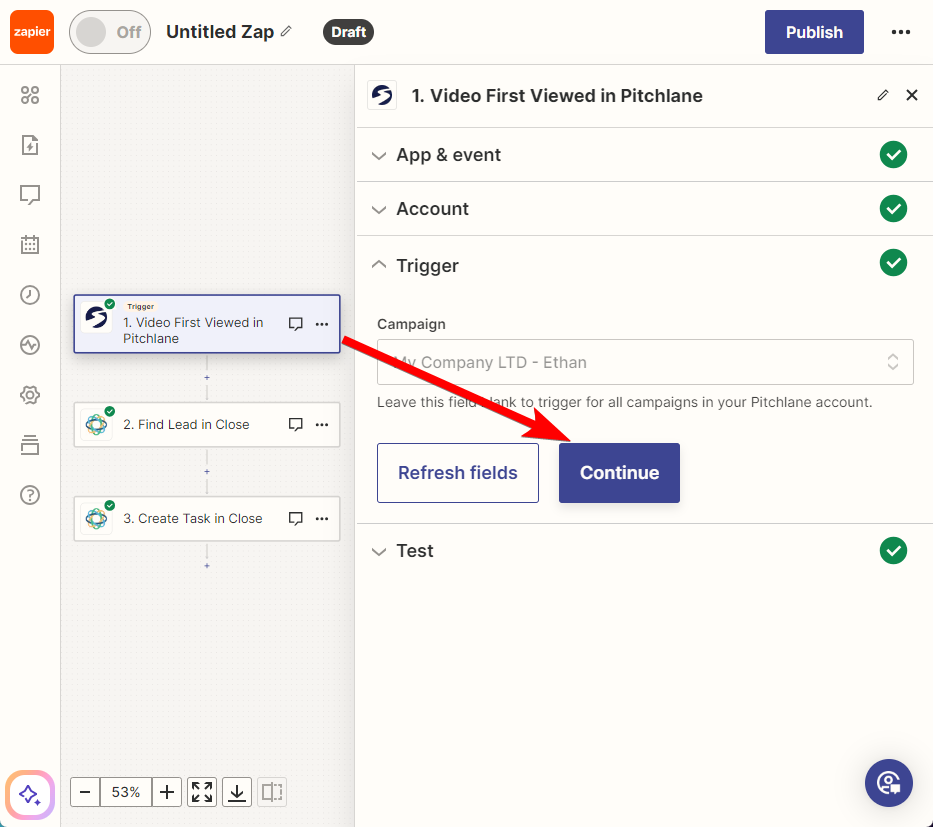
3.) Select your Pitchlane Campaign
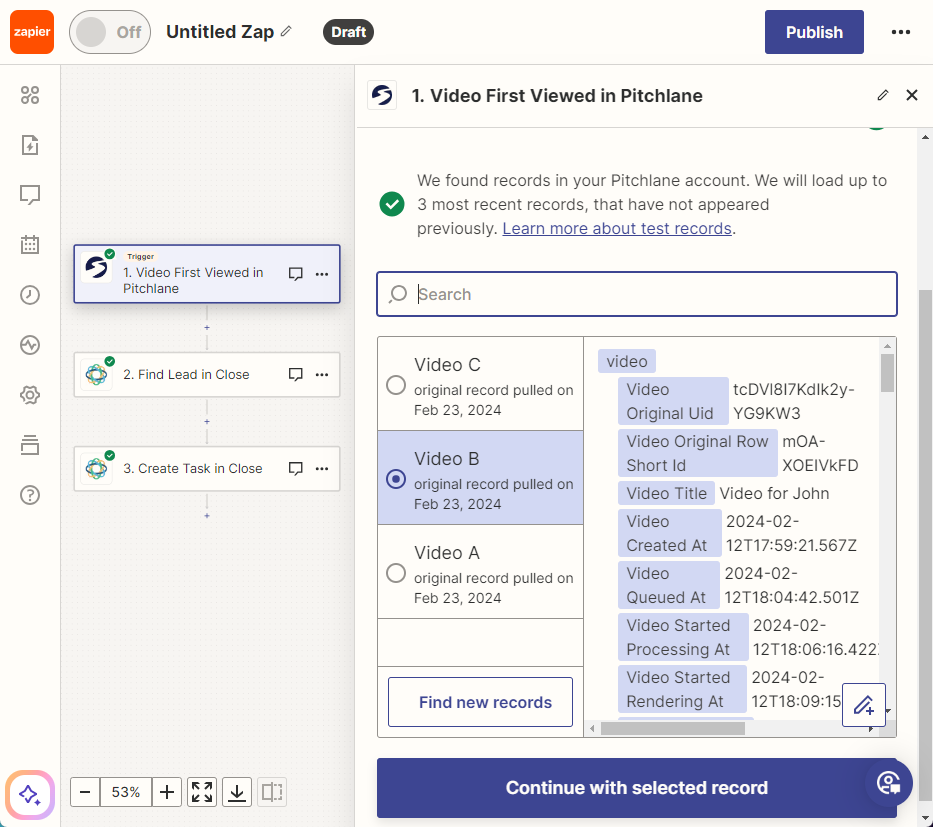
4.) Select a video record to use
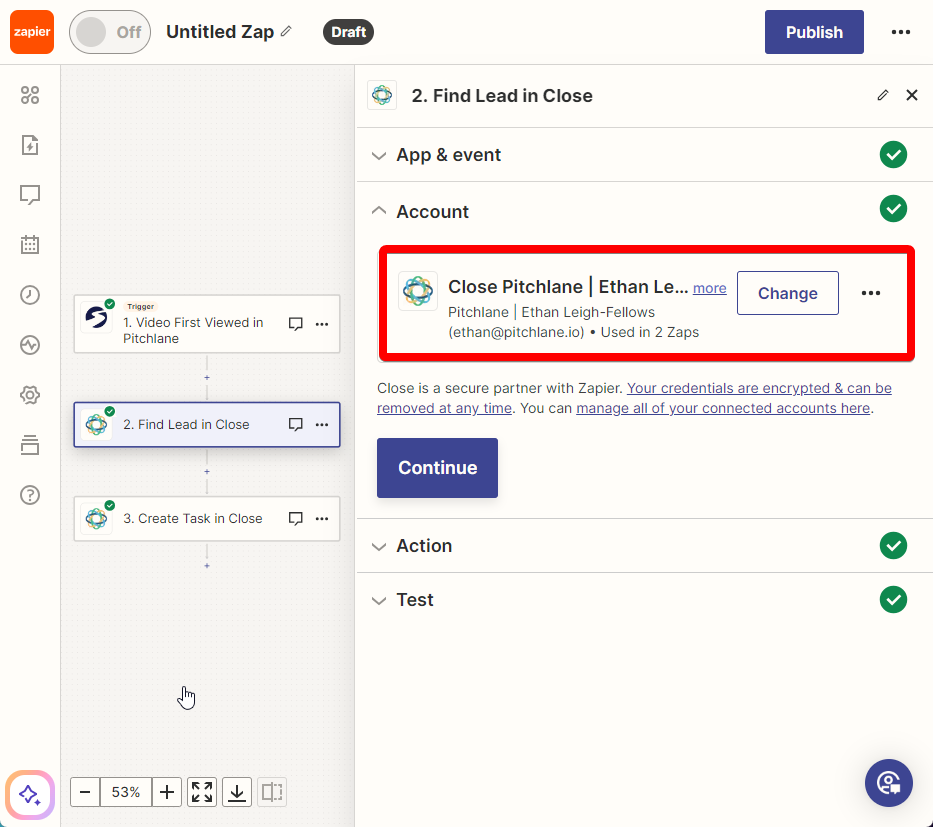
5.) Select “Find Lead in Close” and ensure your Close account is linked
6.) Map the fields
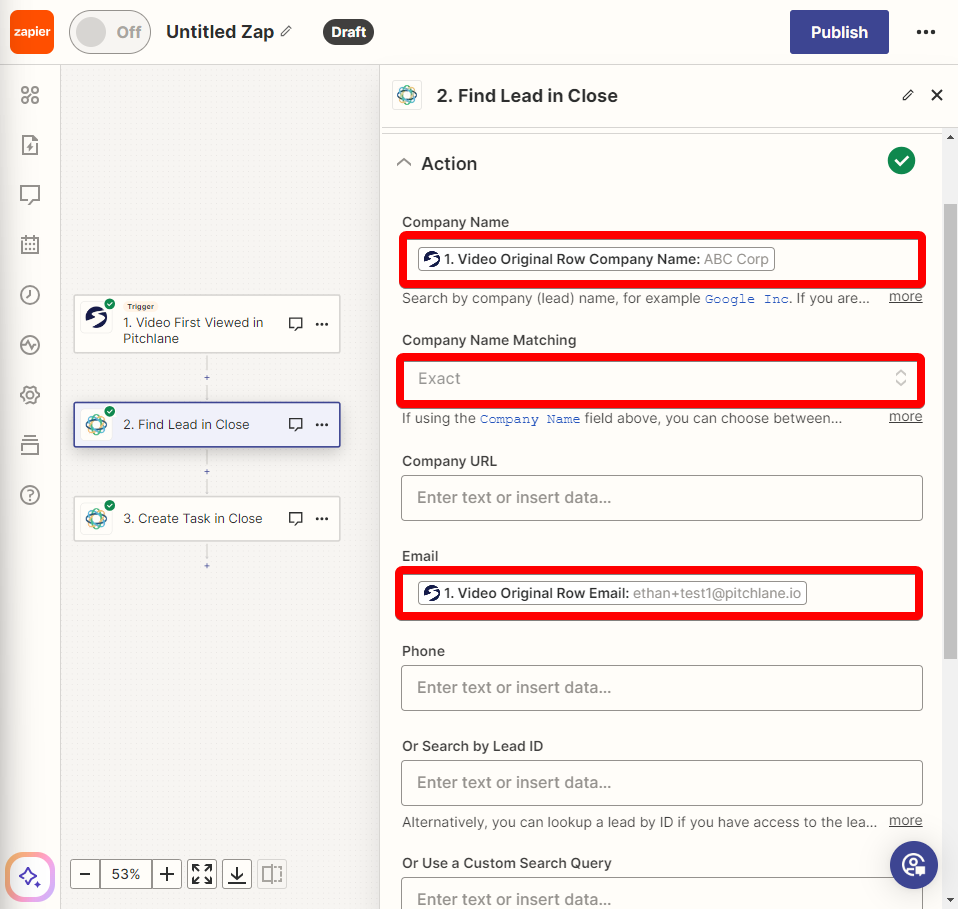
7.) Select the action titled, “Create Task in Close” and populate the fields accordingly.
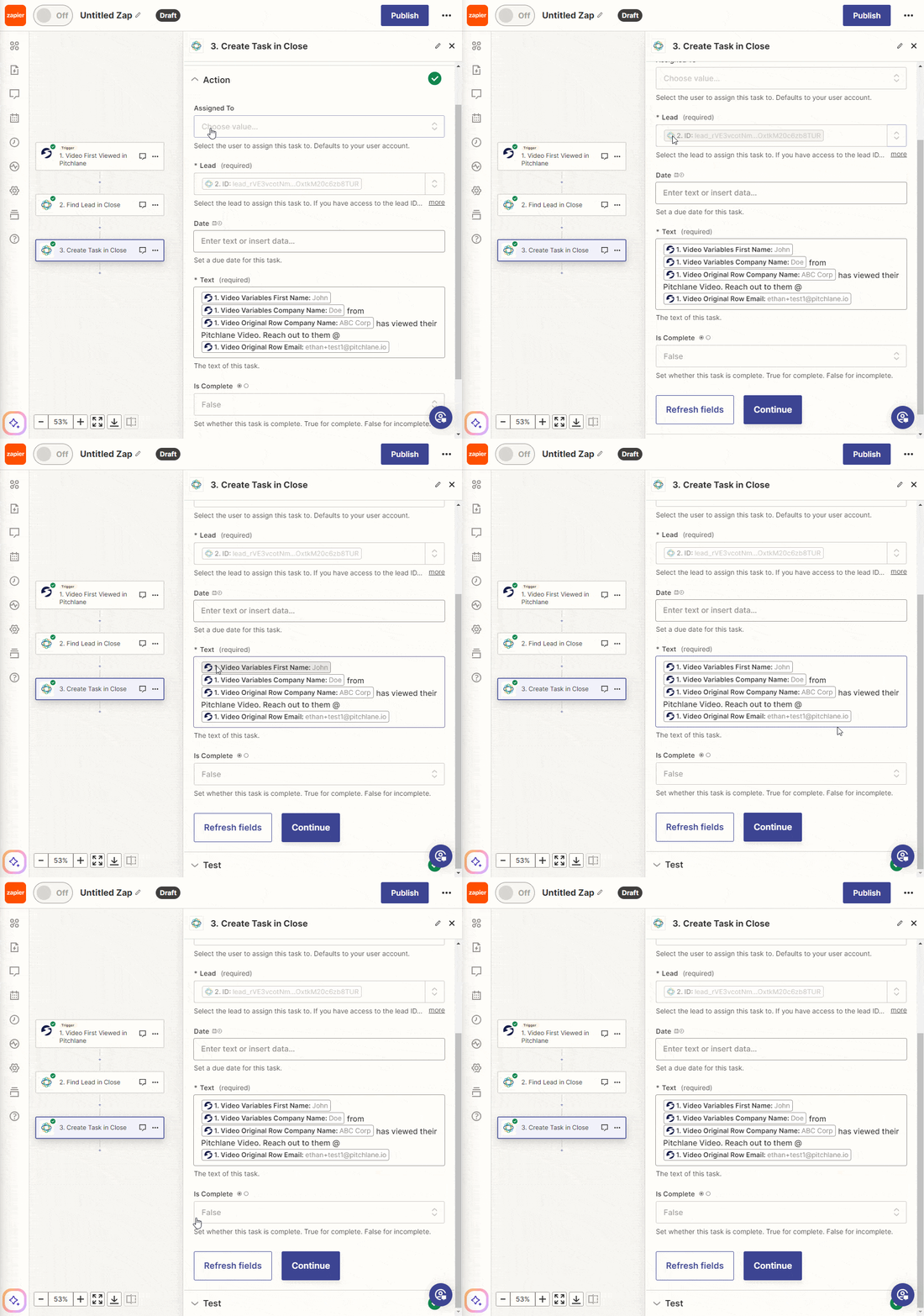
Hit Publish!